


Studio
$995
per monthFor a project or two.
- $1.99 a render
- 500 credits a month
- 500 uploads
- 10 GB of image storage
- 3 seats
- Cancel any month
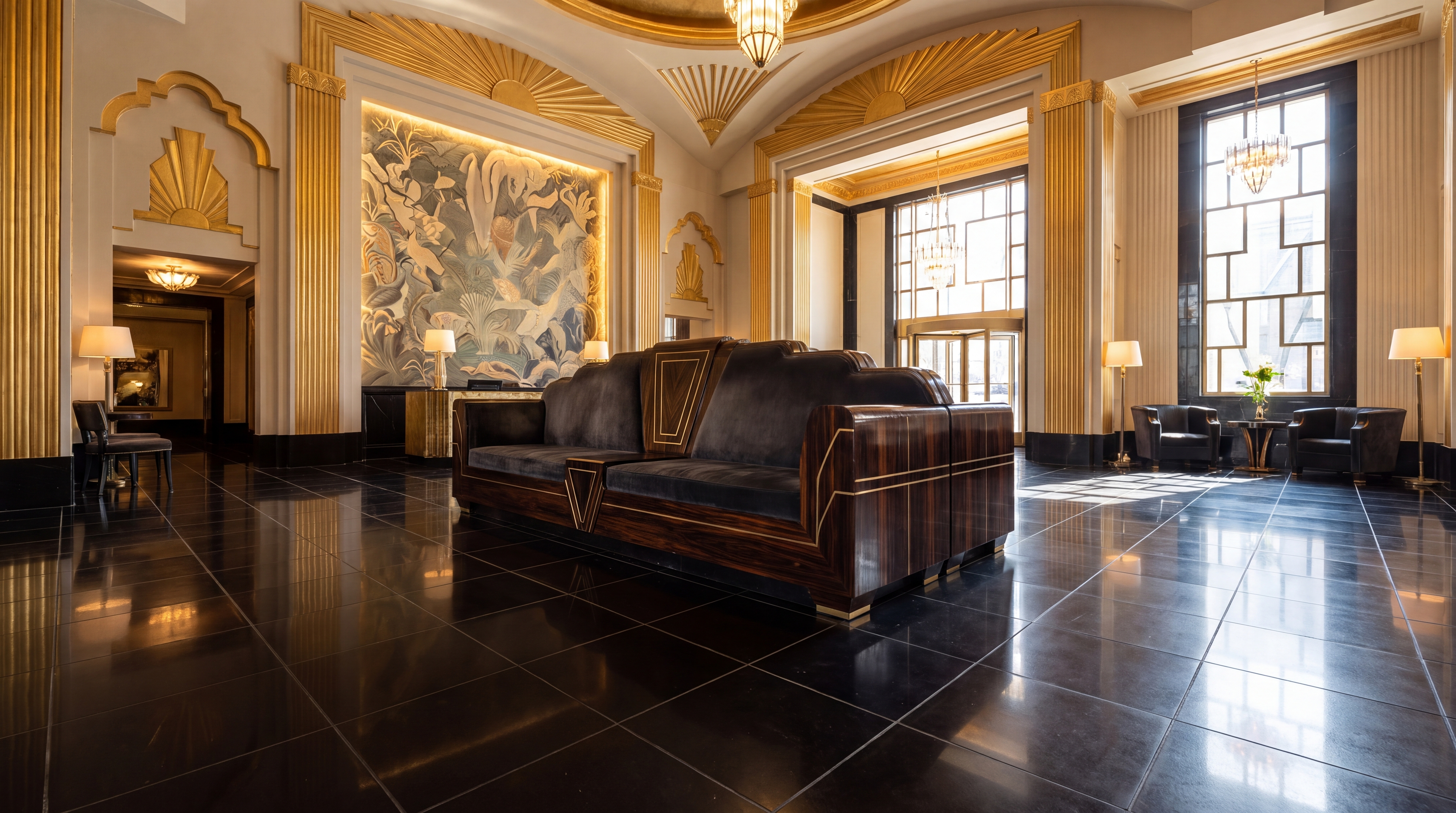
Turn every sofa, armchair, and credenza into launch-ready 4K room scenes. Skip freight, white-glove assembly, and studio delays.
One finish gets the orders while the other 19 sit in the warehouse, built, paid for and unsold. It's revenue you never see, cash stuck in stock, and doubt about a collection you believed in.
Physical shoots demand heavy freight, unboxing, and white-glove assembly. This leaves most of your furniture line as flat swatch cards.
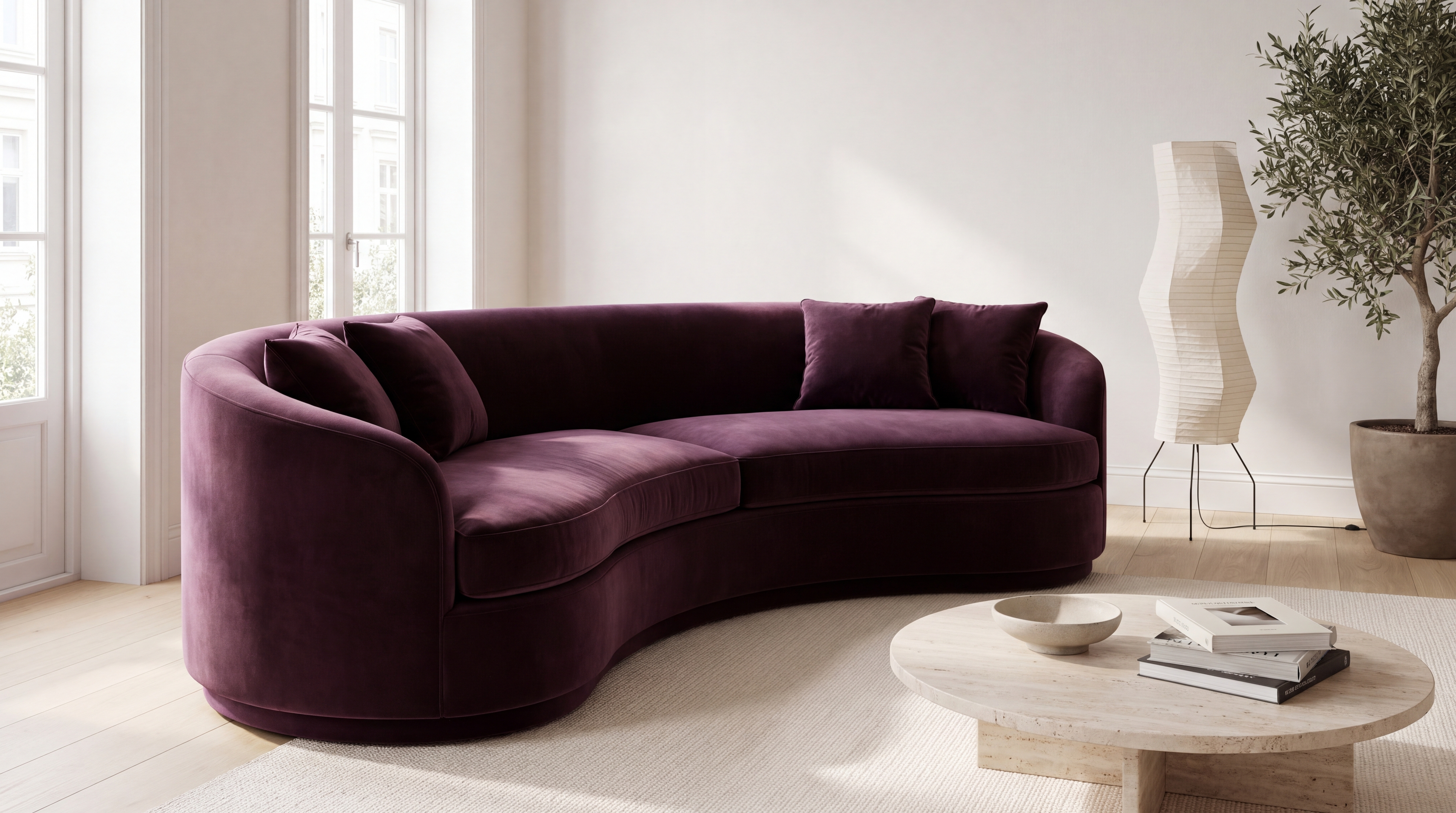
Curved sofa
Available in 20 finishes
You picked: Sage. Never photographed.
19 of 20 finishes were never photographed.
Try another finish.
Upload your product photos and piece dimensions. Skip Shoot renders your furniture silhouettes into 4K room scenes, sized from those dimensions and lit by the room.
Good To Know:
Every finish gets a room image of its own, so shoppers find the one they came for and your stock keeps turning over.
From sample to room image
* Under $1 a render is the Pro price: $0.99 a render billed monthly, or $0.95 billed annually, from 1,500 credits a month. Studio is $1.99 a render, or $1.95 billed annually.
† Under a minute is the average render time: most renders finish in about 20 to 60 seconds. Times vary with the image and demand and are not guaranteed; building a new room from a description takes a few minutes.
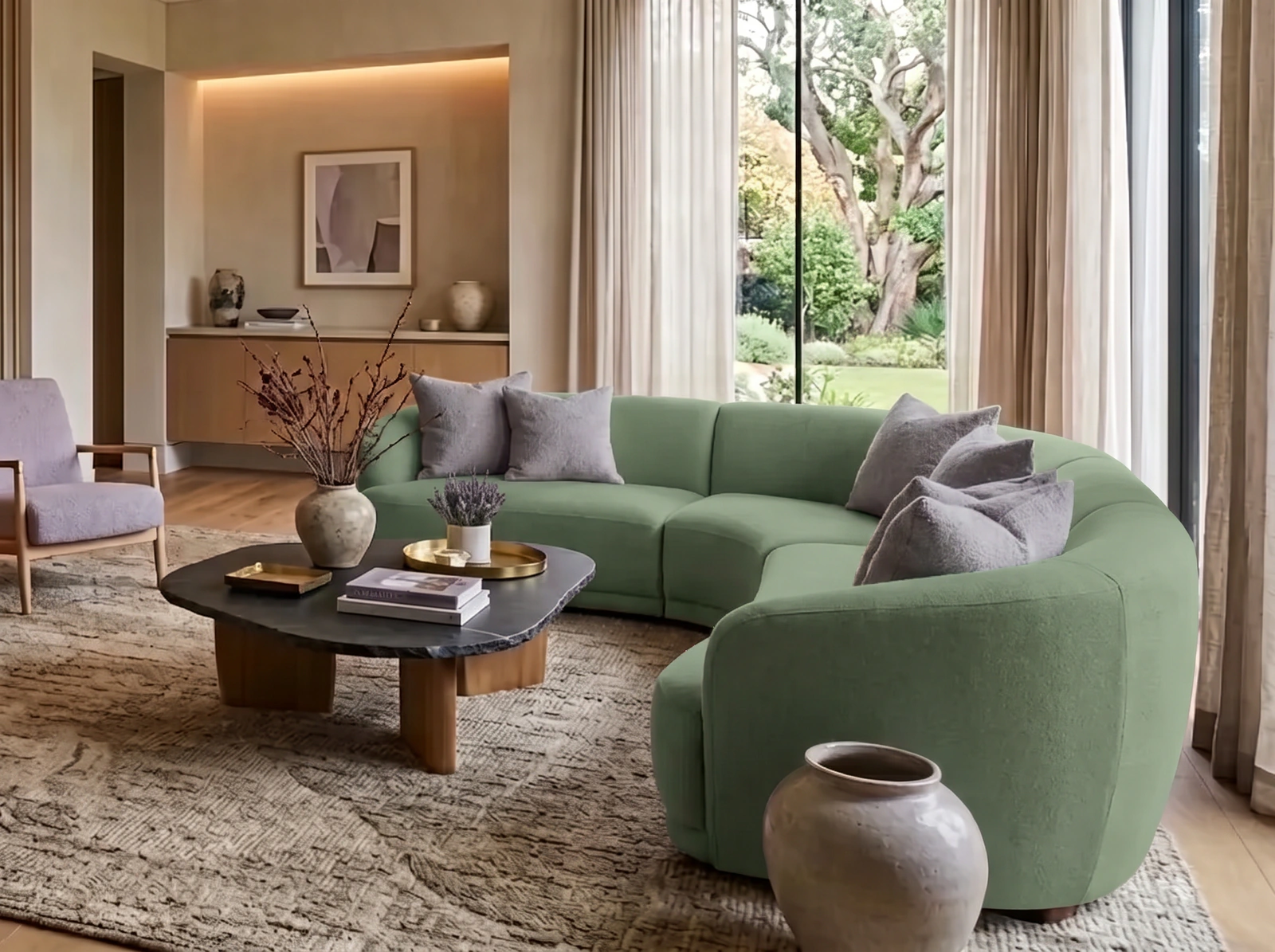
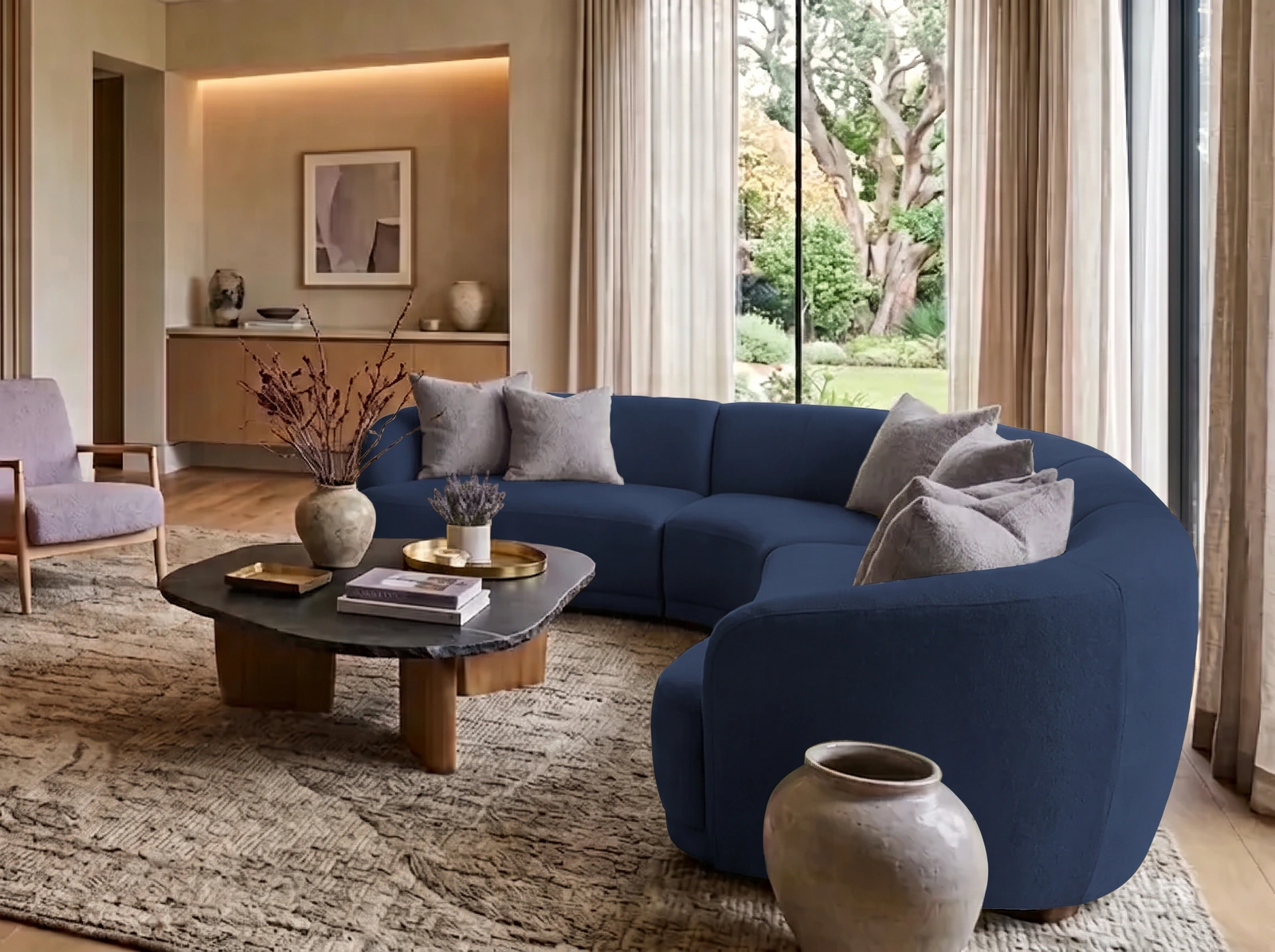
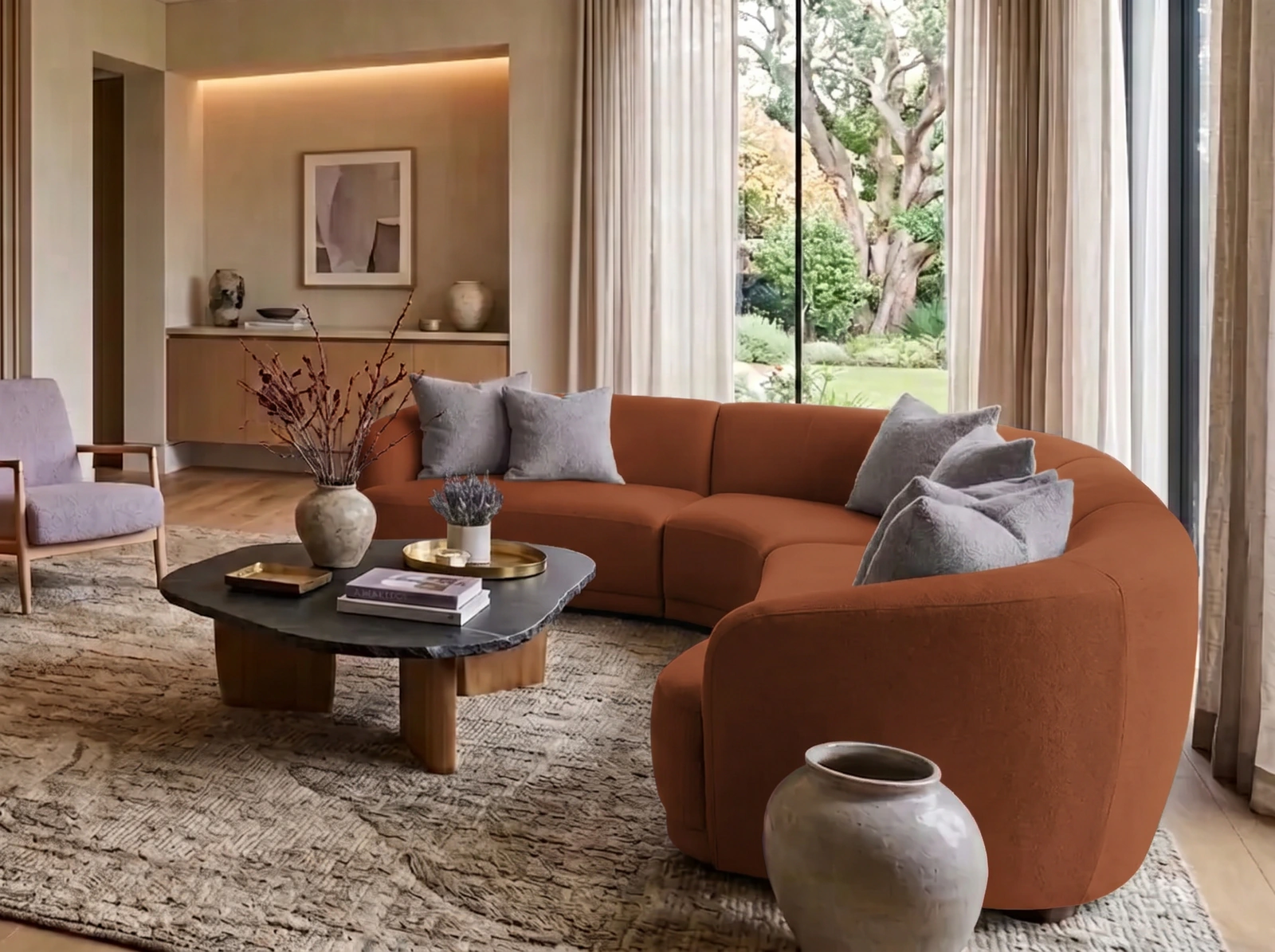
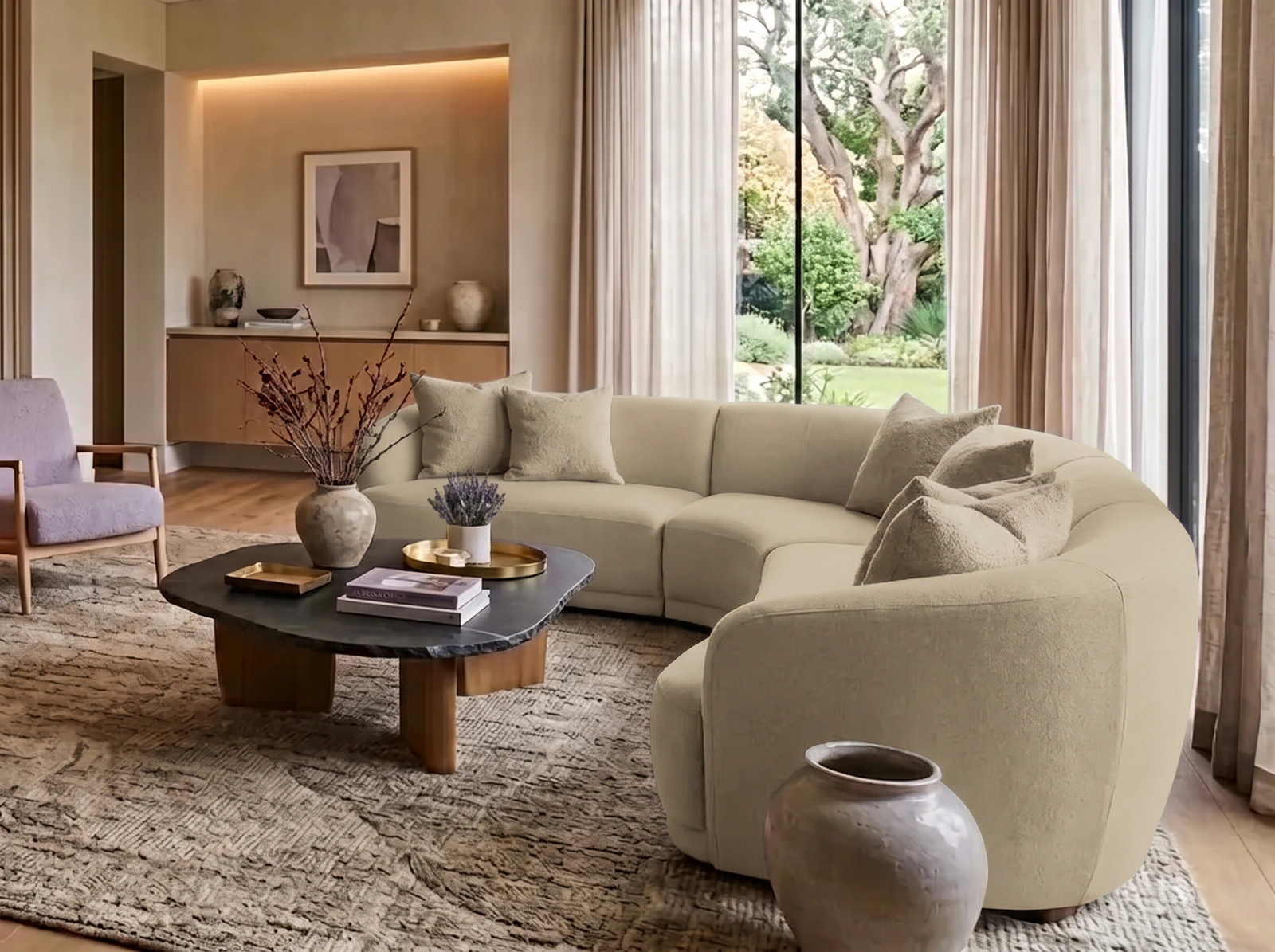
A render that fails costs nothing. Its credit goes straight back to your workspace, and you never file a ticket. One credit is one finished 4K render.
For a project or two.
The credits you need each month, for high-volume brands and agencies.
For the largest catalogs, with a plan set up around yours.
Prices exclude applicable tax.
Not sure which plan? Take the catalog quiz.
* Under $1 a render is the Pro price: $0.99 a render billed monthly, or $0.95 billed annually, from 1,500 credits a month. Studio is $1.99 a render, or $1.95 billed annually.
It's sized from the width, height and depth you enter; without them, a bulk render falls back to typical proportions for that kind of piece. Skip Shoot doesn't measure your room, so a render shows how a piece looks in a room, not whether it fits a space.
Yes, in a room made around it. A bulk render swaps a piece your room already has, so an empty corner stays empty; to place a piece where nothing stands, make the room around it and tick the spots it can take, such as sofa or dining chair.
Each render is set to draw the exact piece in your product image, matching its silhouette, proportions, materials and finish, and to copy nothing else from that image. Every render is an approximation, so check it against the real piece before you publish.
No. A clear image of the whole piece on a plain background, one per finish, is all a render needs.
They travel over encrypted connections, you own what you upload and every render you make, and we never train AI on them. Our Privacy Policy (section 8) says how Google handles the pictures it analyses.
One render is one image Skip Shoot generates: making a room is one render, and each product you place in an image is one more. You see the count before you start.
A render that fails never costs a credit; the credit comes back to your workspace automatically. A render that completes has used its credit.
Yes. Upload a photo of your own room or showroom, which costs nothing, or describe one and Skip Shoot makes it for one render. Every room in your workspace is yours alone.
Add a single script tag to your site. Shoppers upload a photo of their living room and preview your sofa or credenza in their space. Every preview runs on the same 4K render engine as your catalog.
Talk to us
Invoices, purchase orders, a security review or help loading your furniture catalog: tell us what you need, and a person will reply within two working days.
Rather start on your own? Pick a plan when you're ready.
Get started insteadStart today
Make a room. Pick your product. Export.