
Plug 4K catalog renders into your storefront.
Upload a swatch. Get 4K room renders across every finish without 3D models or photoshoots.
Early access. We switch it on for your workspace within two working days.

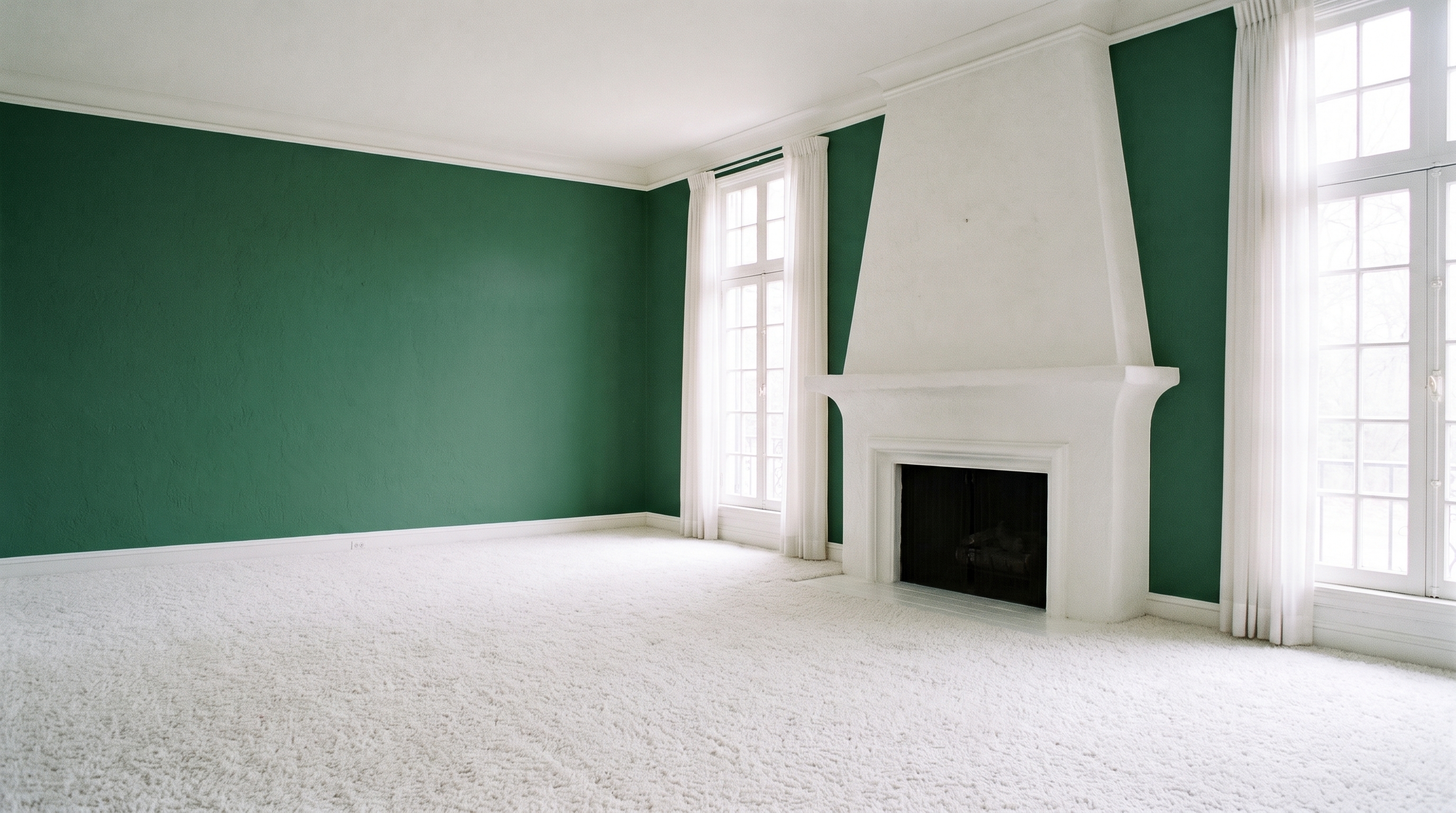
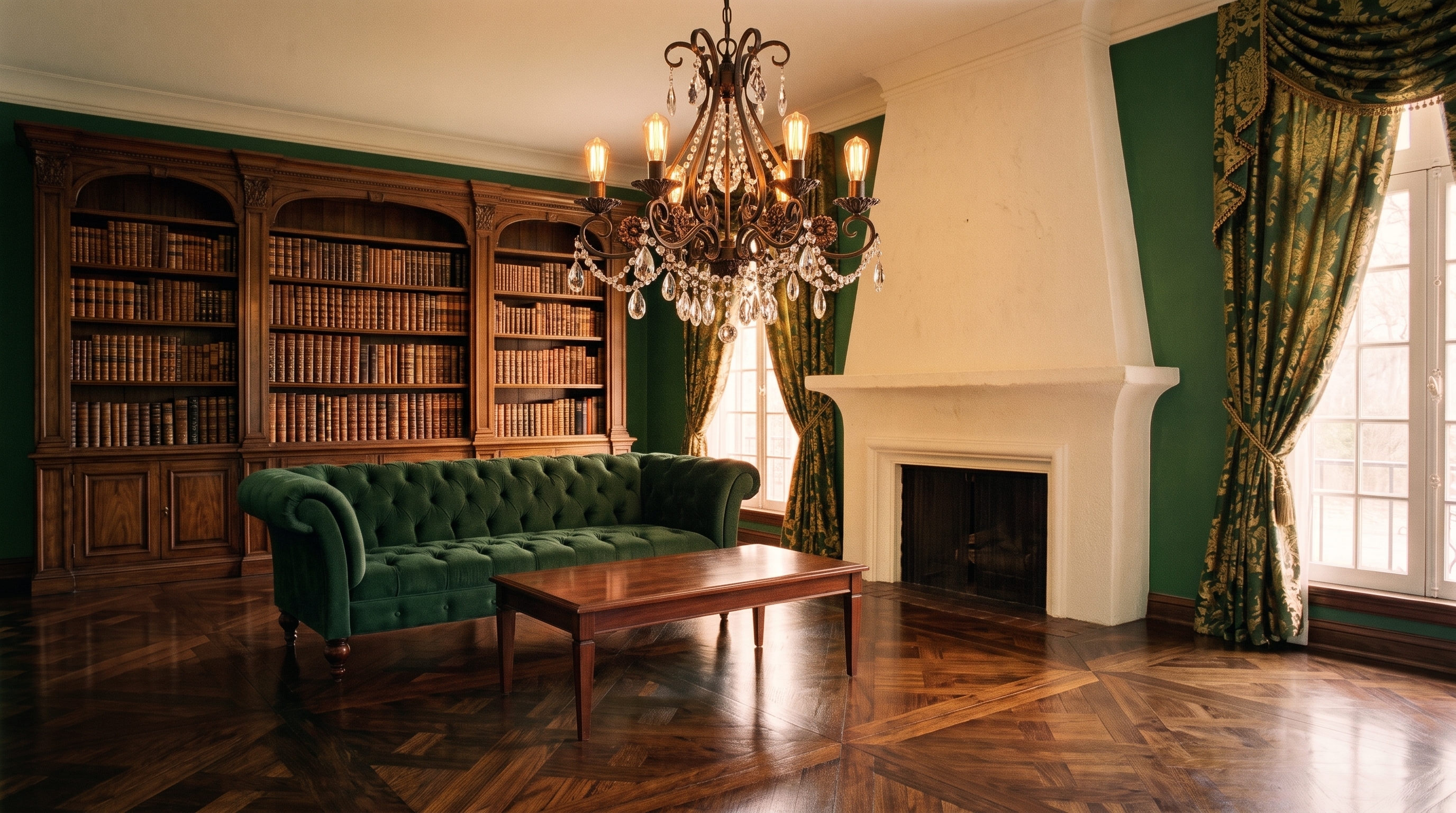


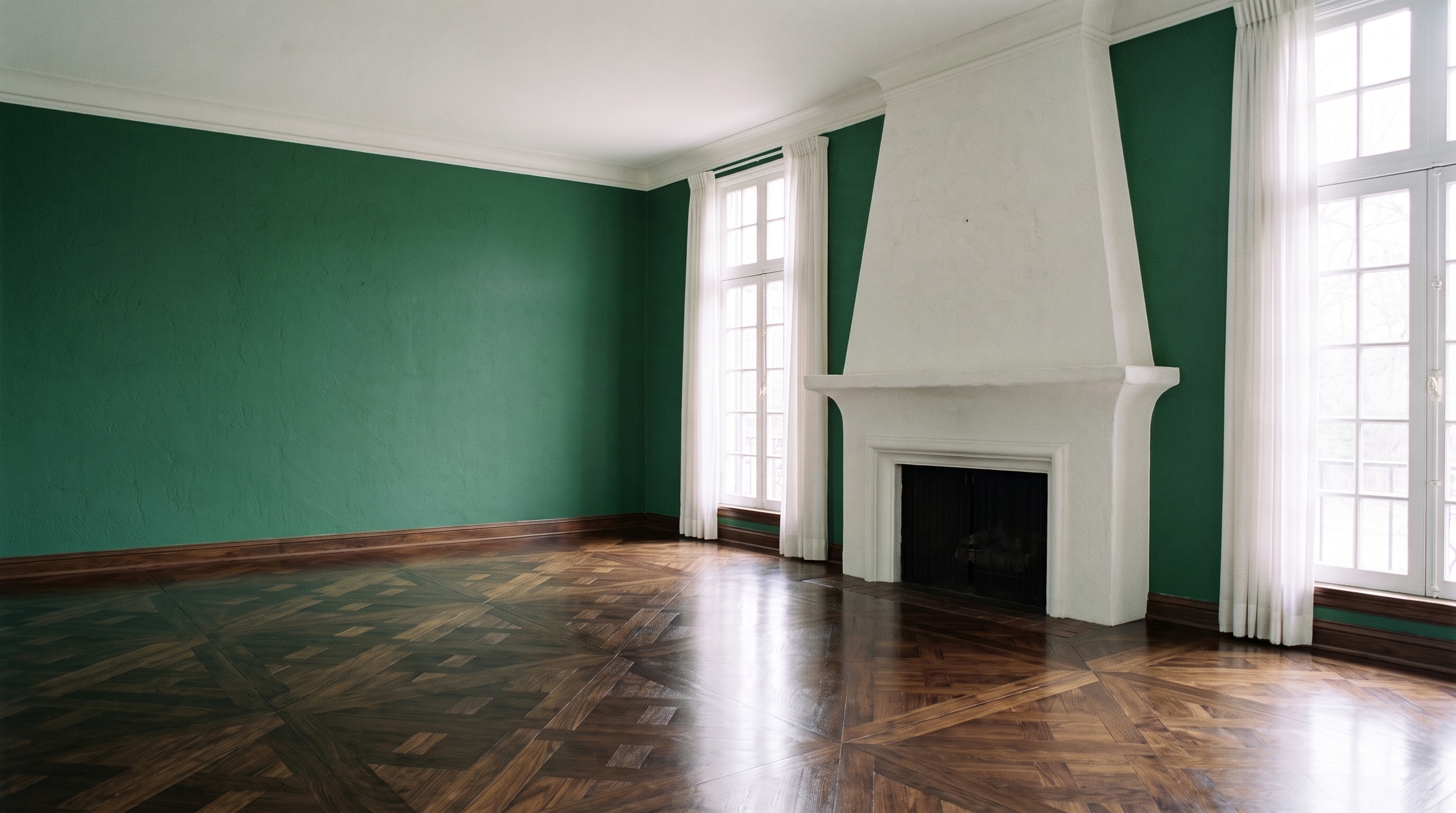

One engine for your catalog and your storefront.
The same REST API makes the images in your PIM and the visualizer on your product pages.
Render every SKU in every finish.
Trigger 4K room renders directly from your PIM or storefront; turn product swatches into full-room imagery at scale.
Let shoppers see it in their own room.
Embed a 1-line script tag on your storefront; shoppers upload a room photo and see your products live in their home, under your brand.
The research
94%
more sales when home décor was shown in a room.
Rooms sell home décor. Give every finish its own scene.
Source: Summerlin, Powell & Fukuda, Tilburg University, 2024.
Pay only for the renders you get.
A failed render costs nothing.
If a render fails, its credit goes straight back to your workspace. You don't have to ask.
Batches are all or nothing.
Send up to 100 renders at once. They're charged together, or not at all.
Retries never charge twice.
Send an Idempotency-Key with a request, and a retry gets the first answer back instead of a second charge.
Cancel anything still waiting.
Cancel a render before it starts, and its credit comes back, as long as your credits have not renewed since you queued it.
Three steps from SKU to 4K render.
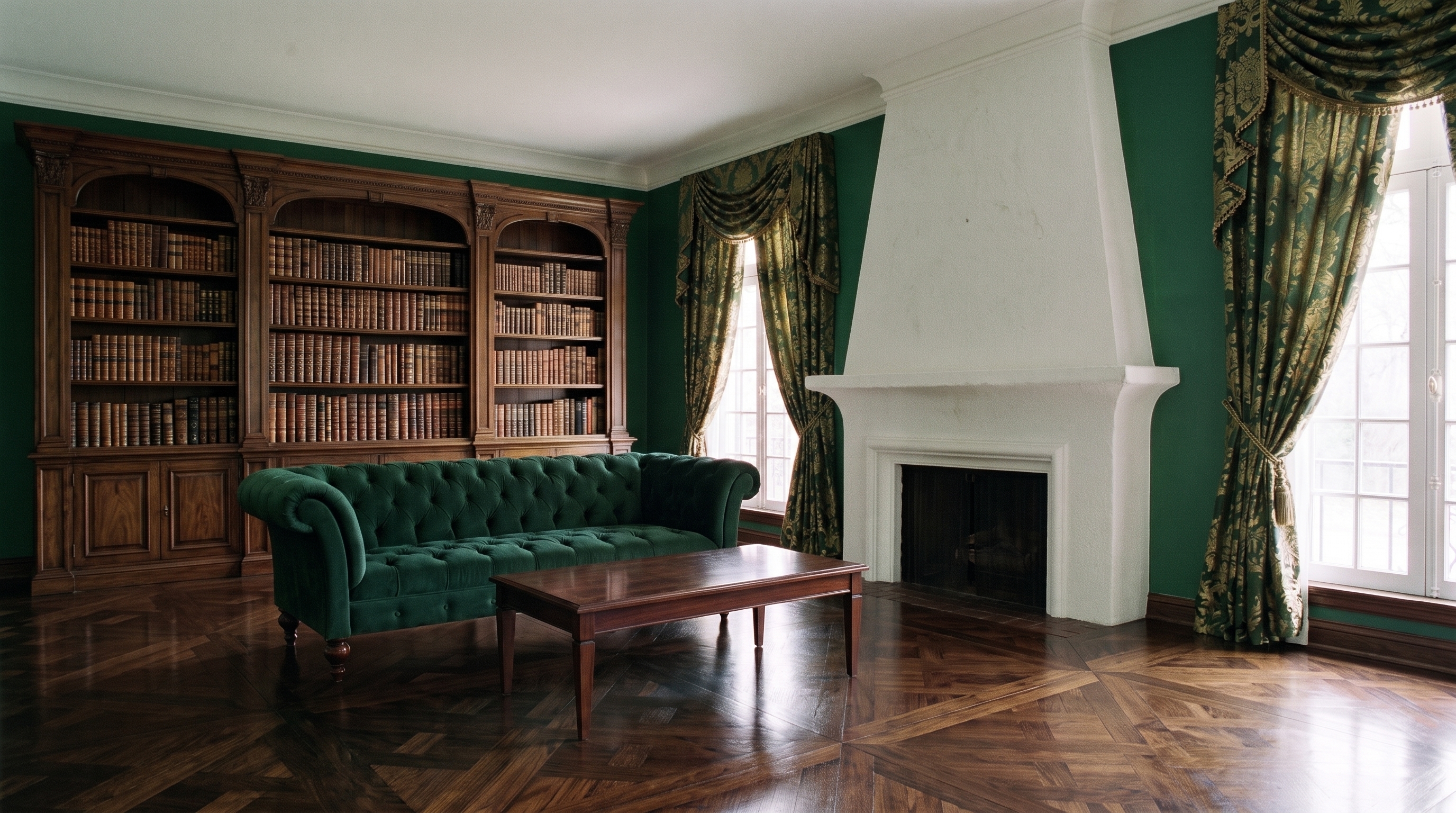
One product, one room, one call.
Pick your language, then switch the answer from queued to completed.
Request
curl -X POST https://www.skipshoot.com/api/v1/renders \
  -H "Content-Type: application/json" \
  -d '{ "scene_id": 812, "product_id": 4410 }'
Every request also carries your secret key, as the reference shows.
Answer
{
  "renders": [
    {
      "id": "3f2b8e9a-…",
      "status": "queued",
      "scene": { "id": 812, "name": "Library" },
      "product": { "id": 4410, "name": "Emerald velvet" }
    }
  ],
  "credits_charged": 1
}
No 3D models. Nothing to install.
- No 3D or CAD files. A flat swatch or a clear product image, as JPEG, PNG or WebP, is all a render needs. Start with the files you already have.
- It finds the surfaces for you. Walls, floors, counters and furniture are found in every room you add. You never draw a box.
- Plain REST, with an OpenAPI file. Clean JSON over HTTPS. Import the public OpenAPI file into Postman, or generate a client in your own language.
- Private by default. Your images travel over encrypted connections, and we never train AI on them. How we handle them
Everything in your developer account.
- The engine
4K rendering by API
1 credit a render, from the same credits as the app: from $0.99 a render on Pro.
- Coming soon
A drop-in website visualizer
One script tag on your product pages, with a key that only works on your own domains.
- Included
Preparation guides for 17 kinds of product
Fabric, flooring, wallcovering, tile, stone, lighting, pavers and more, so every render comes out right the first time.
- Coming soon
White-label for agencies
Switch off the 'Powered by Skip Shoot' line and run the visualizer under your client's name.
White-labeling for clients.
Your brand on the visualizer: hide its 'Powered by Skip Shoot' line in Settings, or run dedicated client workspaces on Enterprise.
Everything the API does.
| GET | /v1/me | Check a key: its workspace and credits |
| GET | /v1/products | The products your workspace can render |
| GET | /v1/scenes | Your scenes, the rooms products render into |
| POST | /v1/scenes | Add a room picture as a scene, free |
| GET | /v1/scenes/{id} | One scene, its status and surfaces |
| POST | /v1/renders | Render products into scenes, one or up to 100 at once |
| GET | /v1/renders/{id} | A render's status and, once completed, its image |
| DELETE | /v1/renders/{id} | Cancel a render still waiting to start |
Questions? We have answers.
Can I use the API today?
It is in early access. Tell us about your catalog below and we will switch it on for your workspace.
What does it cost?
Each render is 1 credit, from the same plan you use in the app: from $0.99 a render on Pro. A render that fails never costs a credit; it comes back automatically.
Do I need 3D models?
No. A flat swatch or a clear product image is enough. The preparation guides show what works best for each kind of product.
Where is the reference?
The API docs at /docs/api cover every endpoint, field and error, and the OpenAPI description at /api/v1/openapi.json is public too, so you or your tools can read both before you have a key.
Early access
Get your API key.
Tell us about your catalog and the system it lives in. We'll switch the API on for your workspace within two working days.
Rather start on your own? Pick a plan when you're ready.
Get started instead